
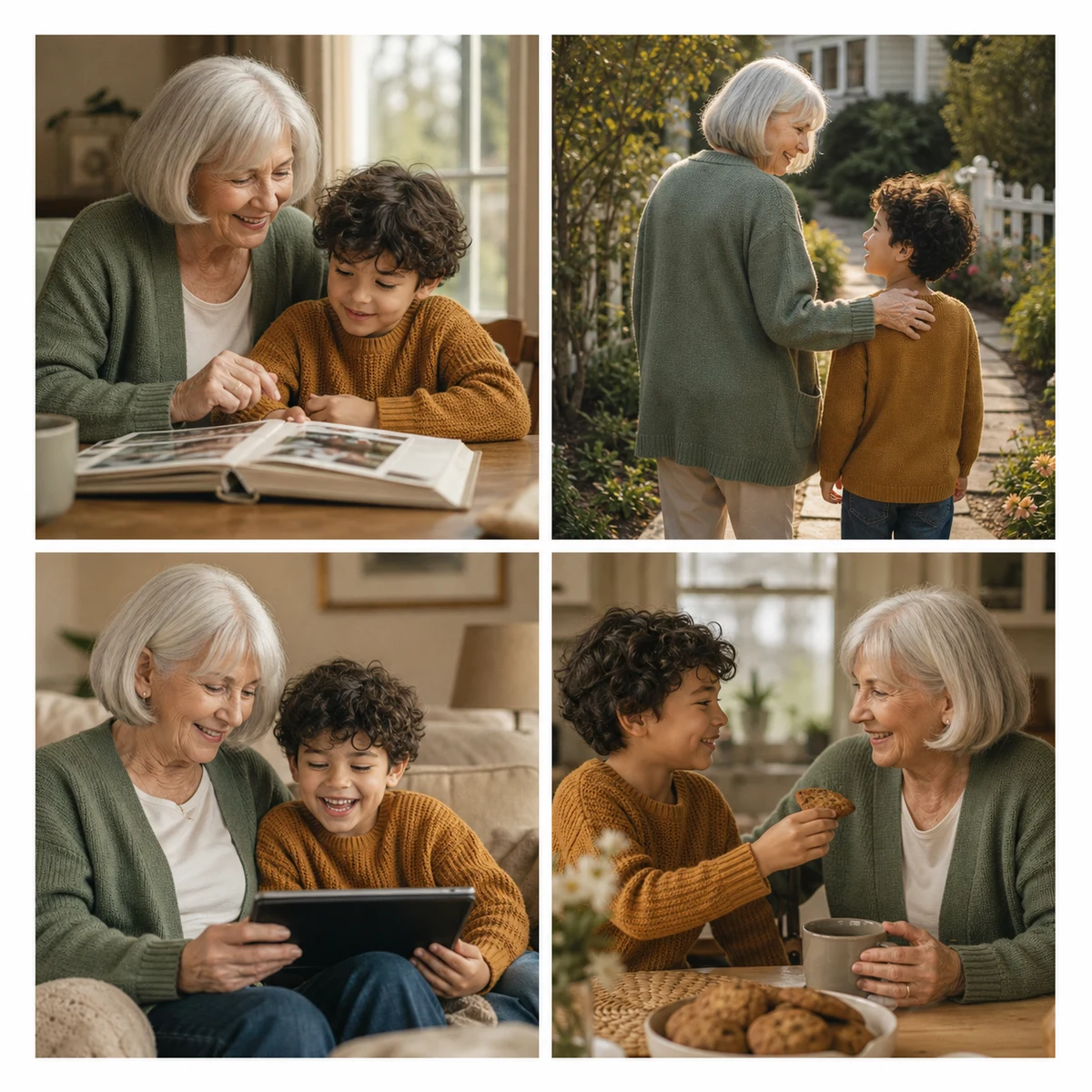
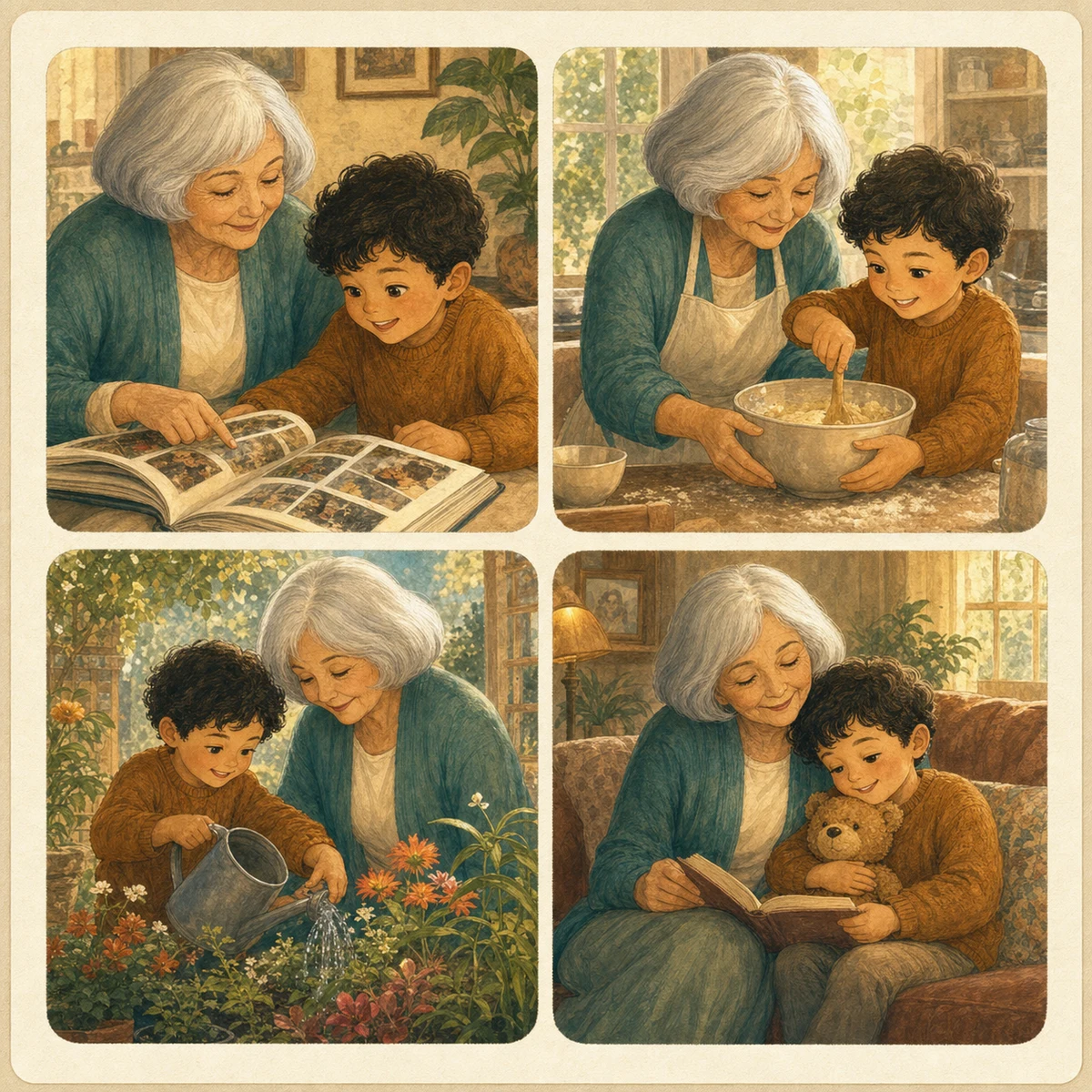
Family Memory Book
A storybook-style family memory book that keeps the same grandparent and child across every scene.
- Cover
- Story pages
- Gift message
AI photo gift maker
Plan how family photos could become a consistent grandparents gift, baby memory book, or anniversary photo gift in under a minute.
Real examples
Drag each comparison to inspect the example. These are curated demonstrations of the product direction, not results generated from your upload in this alpha.
A storybook-style family memory book that keeps the same grandparent and child across every scene.
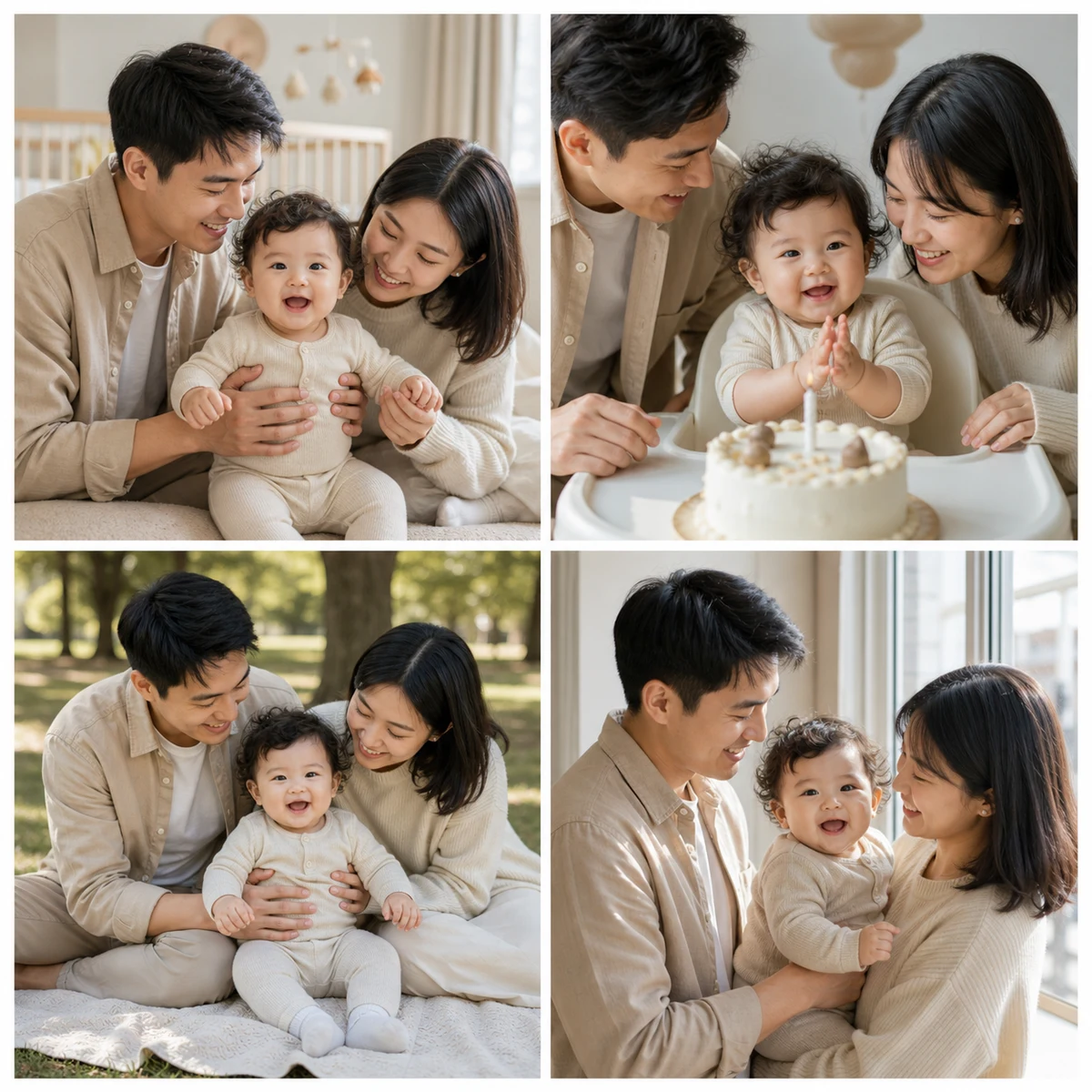
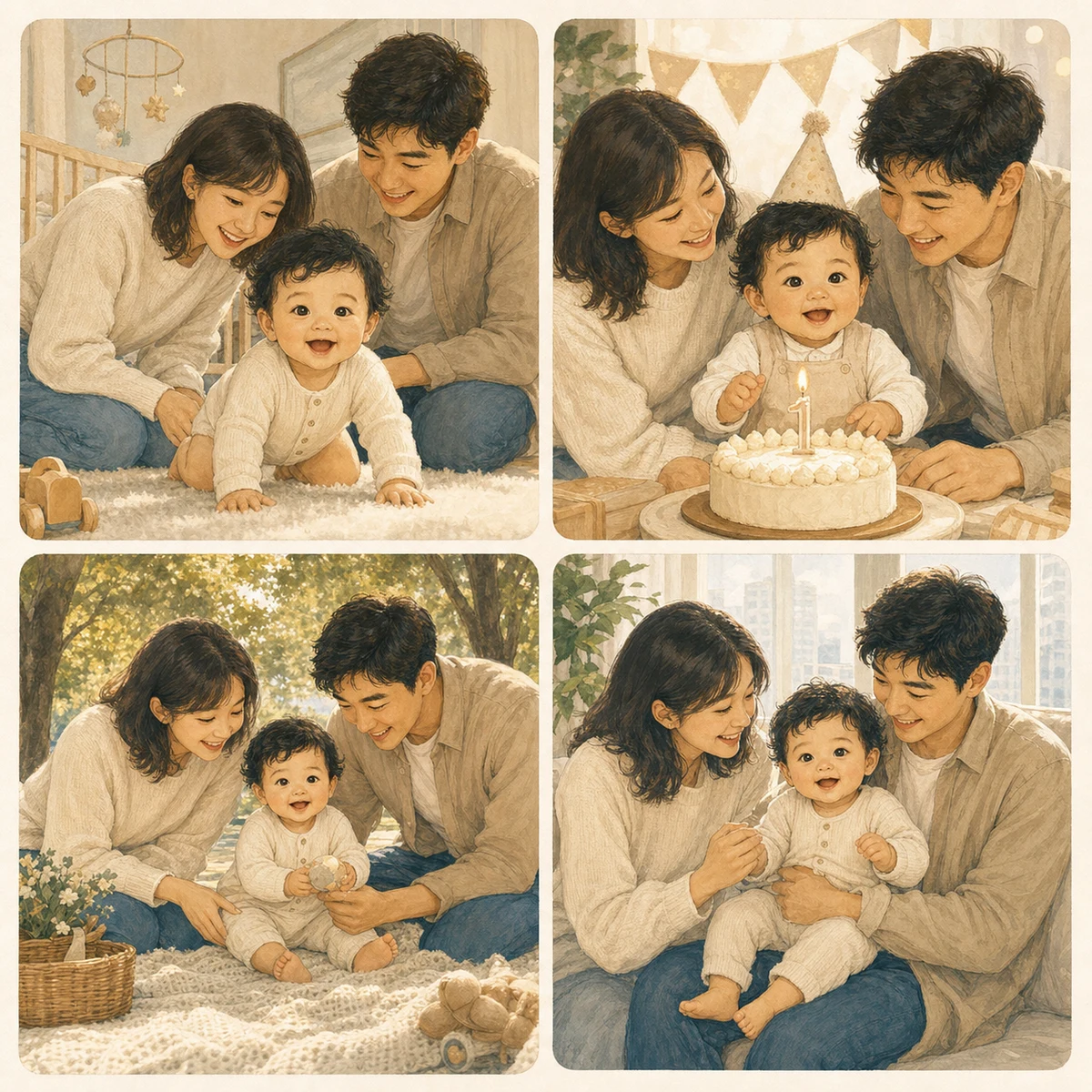
A first-year baby memory book that keeps the same baby and parents consistent across milestones.
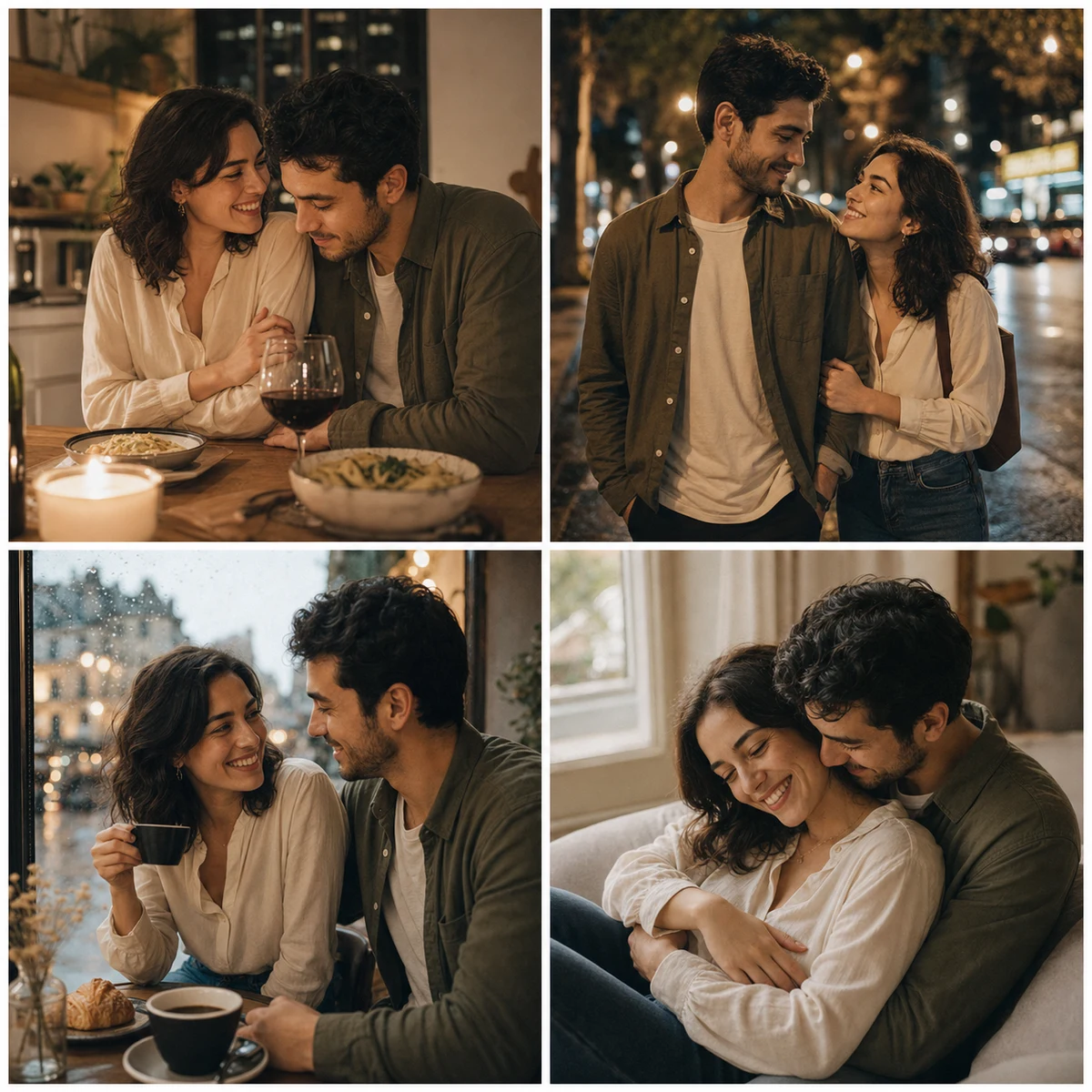

A romantic anniversary photo gift with the same couple carried through one cohesive story.
Why this is different
Gift-plan stage
Build a personalized gift plan from the example, recipient, occasion, and format you selected. Uploaded photos remain local and are not analyzed in this alpha.
Product direction
A single AI image can be fun. A personalized photo gift needs continuity: the same people, one visual language, and a finished format that feels ready to send.
The gift makes sense when the person receiving it is clear from the beginning.
One photo can start the direction; more photos can improve character consistency later.
Early-access delivery
The current planner validates gift intent. Join early access to hear when a finished PDF or print-ready format is available for testing.
A named gift concept shaped around the recipient, occasion, and the photos or sample case you selected.
A small set of page ideas that shows how the same people and visual style could carry through the gift.
A short note written for the person receiving the memory book, so the result feels like a gift instead of an effect.
No charge during validation. Finished PDFs, print-ready files, and premium storybooks can open after enough demand is proven.
Questions
Short answers for visitors who need to understand privacy, product status, and what happens after the preview.
Choose a gift type, set a rough scope, and preview a storybook direction with sample photos or your own photos. The estimate helps frame the format, but the main goal is to shape a gift.
GiftBookAI is an early-access preview. You can create a gift-book direction, use sample photos or your own photos, and join the list for finished exports as each format opens.
No. You can start with an estimated count, use sample photos, add one photo, or upload several. There is no required upload count.
In this early preview, selected photos are used for local browser previews only. The page records product-intent events, not the image files themselves.
The first test focuses on family memory books, baby memory books, anniversary photo gifts, and gifts for grandparents because these have clear emotional context and stronger purchase intent.
No. The current gift planner and early-access list are free. Pricing will only be published after a finished export is available and the scope is clear.
Single image effects are easy to try and easy to forget. GiftBookAI focuses on packaging memories into a cohesive gift with a recipient, occasion, story angle, and consistent people across the collection.
That is a core product requirement. The intended workflow is to use uploaded photos as character references, lock the visual style, and check that the same people remain recognizable before a finished gift export is delivered.